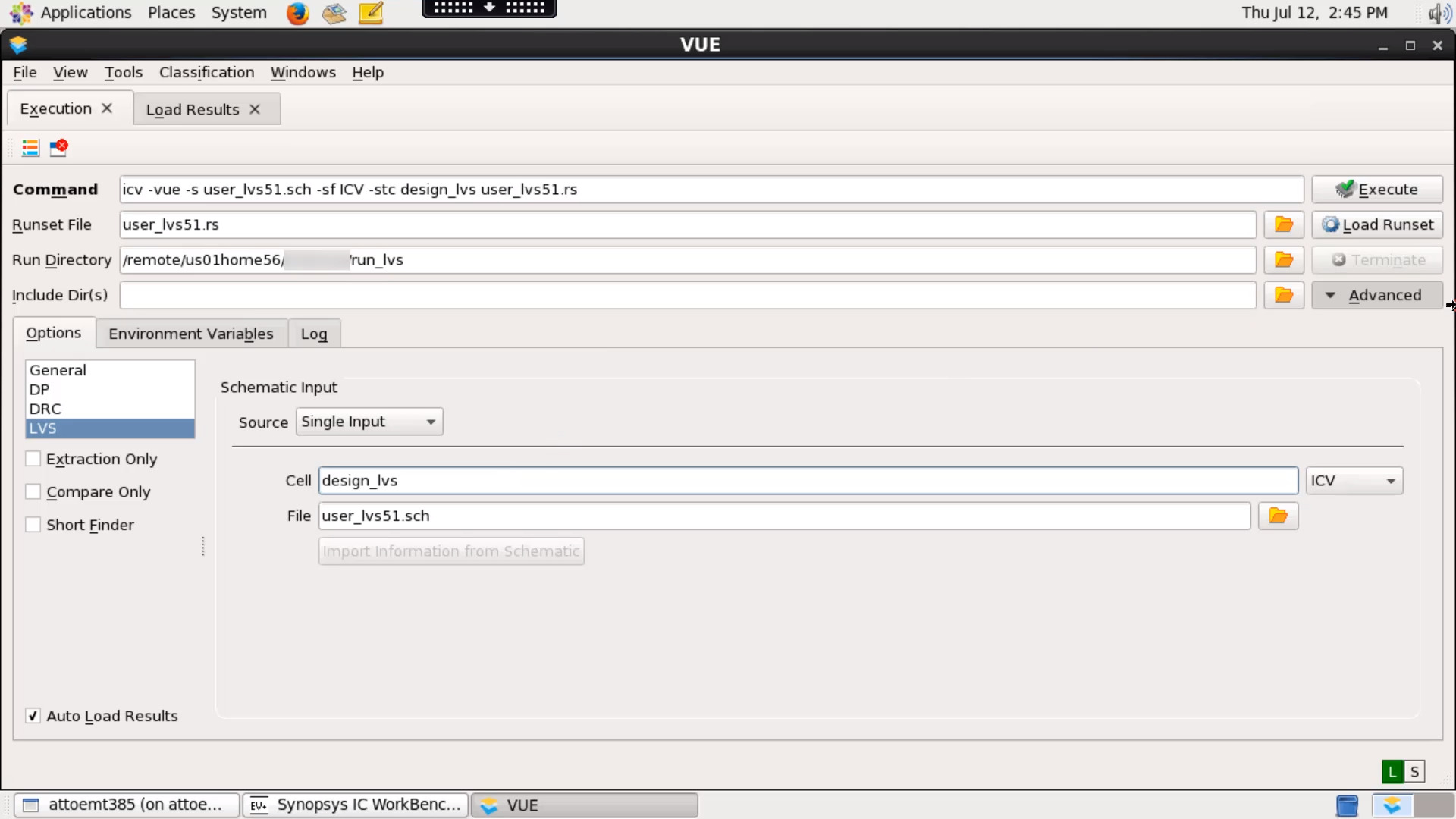
01 - How to run Layout-Versus-Schematic (LVS) using IC Validator tool
2:29
In this video, We will see how to run Layout-Versus-Schematic (LVS) using IC Validator tool on your shell.
Related Videos
In IC Validator Technical Videos: LVS
-
Play video 07 - How to perform netlist translation & modification using IC Validator NetTran utility
07 - How to perform netlist translation & modification using IC Validator NetTran utility
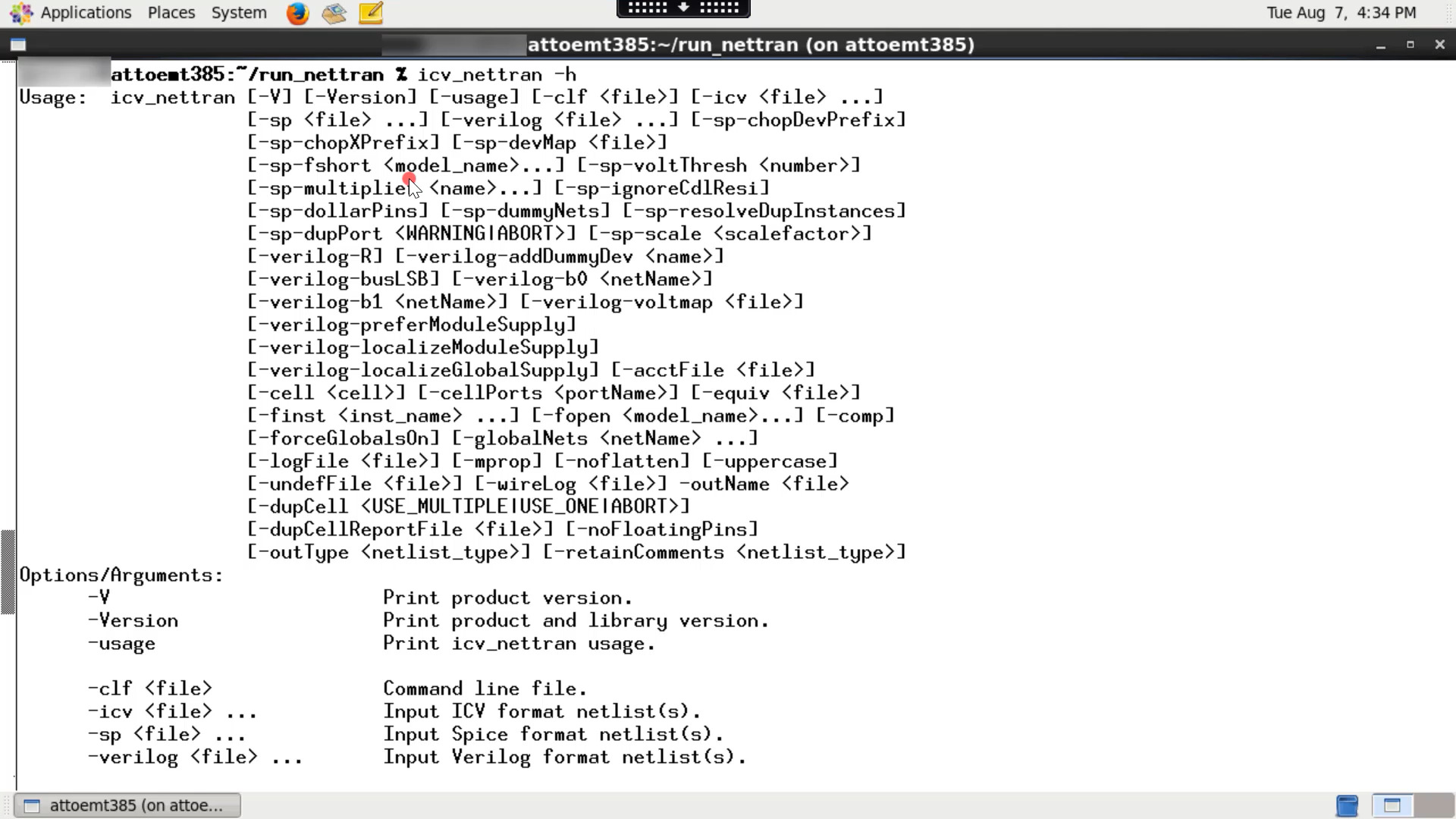
In this video, We will see how to run IC Validator NetTran utility.
3:16
-
Play video 06 - How to run LVS Black Box flow in IC Validator
06 - How to run LVS Black Box flow in IC Validator
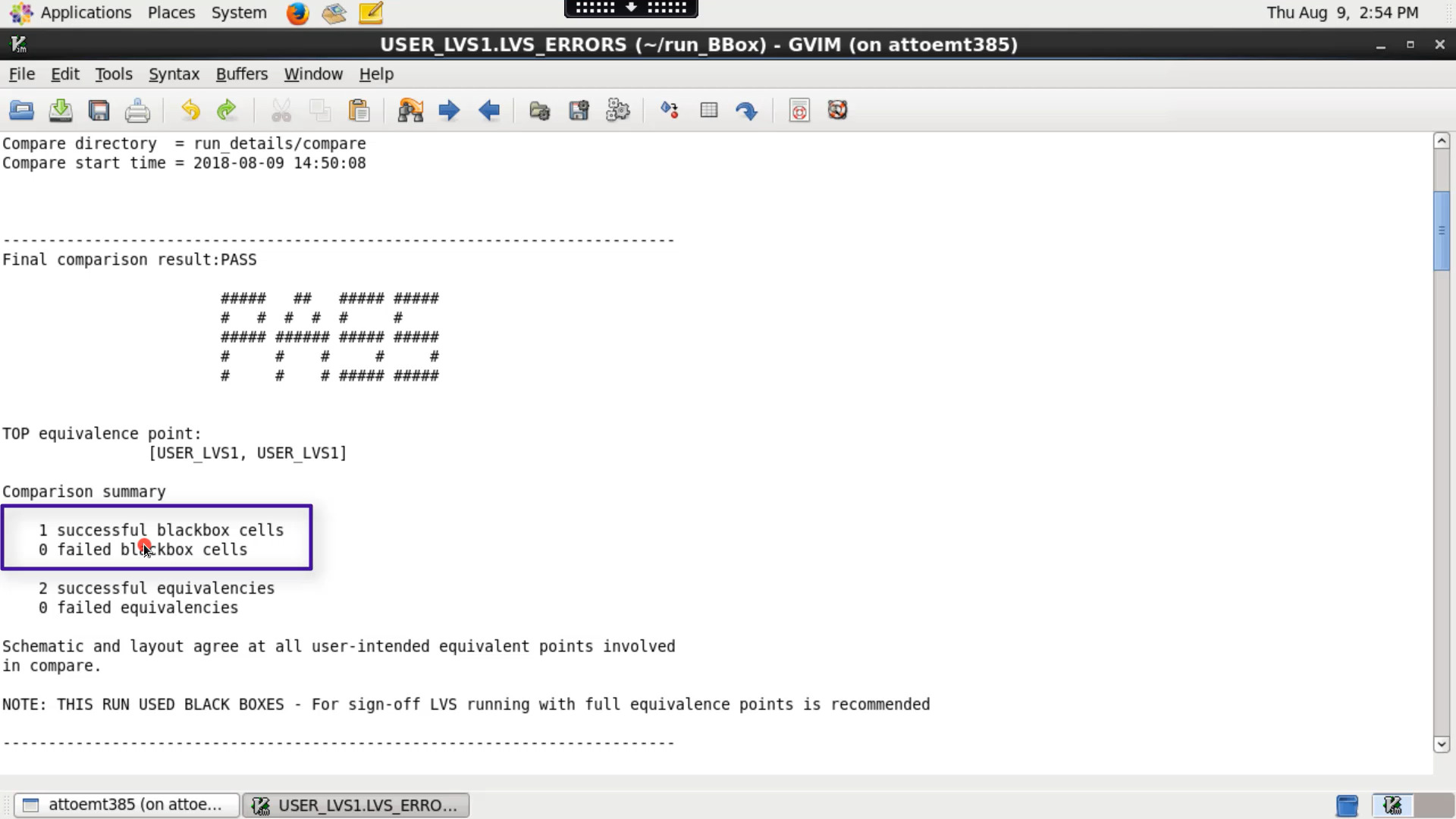
In this video, we will see how to run IC Validator LVS Black Box flow.
3:29
-
Play video 04 - How to create an equivalence file for LVS run
04 - How to create an equivalence file for LVS run
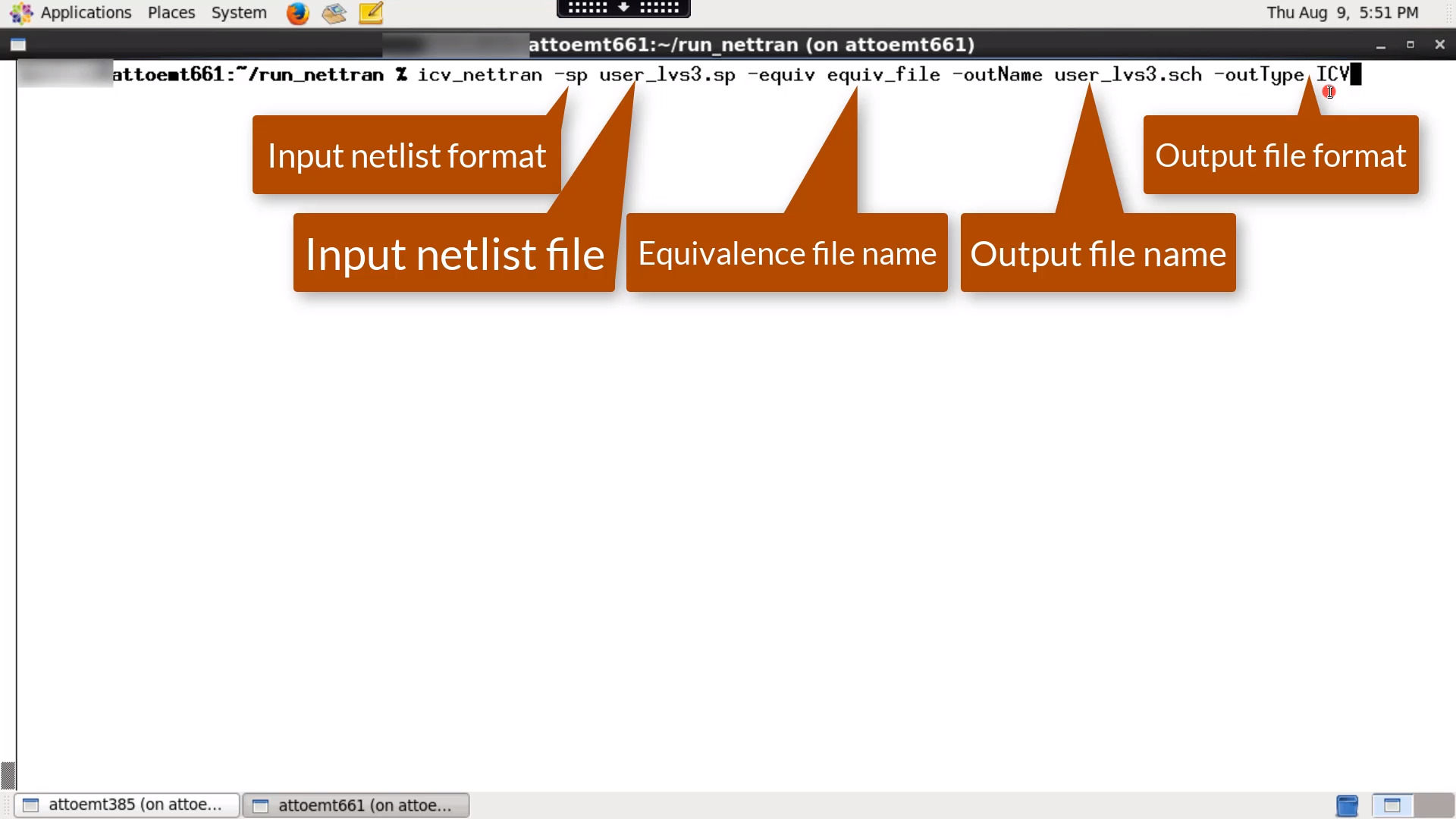
IC Validator NetTran utility can create a skeletal equivalence file during netlist translation which can be used for LVS run
2:42
-
Play video 10 - IC Validator Net Trace Utility
10 - IC Validator Net Trace Utility
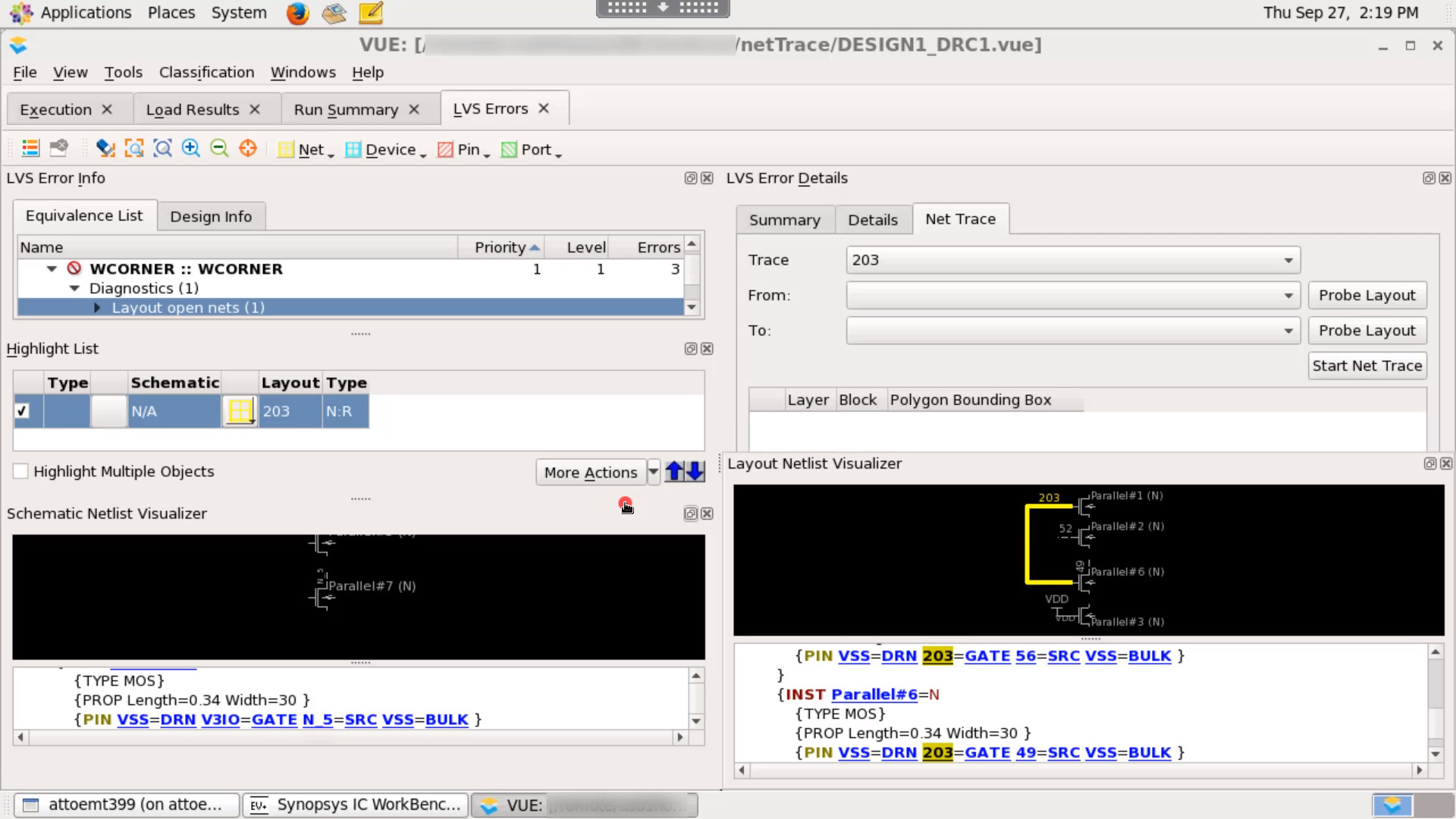
The net trace feature allows you to probe and trace any net in the design, and to track down potential LVS violations and connections of interest. In this video, we will see how to use IC Validator net trace utility to debug LVS results.
3:49
-
Play video 09 - How to compare LVS results using DCV Results Compare Tool (RCT)
09 - How to compare LVS results using DCV Results Compare Tool (RCT)
In this video, We will see how to compare LVS results using DCV RCT.
4:58
-
Play video 02 - How to run Layout-Versus-Schematic (LVS) using IC Validator interactively
02 - How to run Layout-Versus-Schematic (LVS) using IC Validator interactively
IC Validator VUE is a flow-based graphical tool that guides you through the entire physical verification flow.
2:36