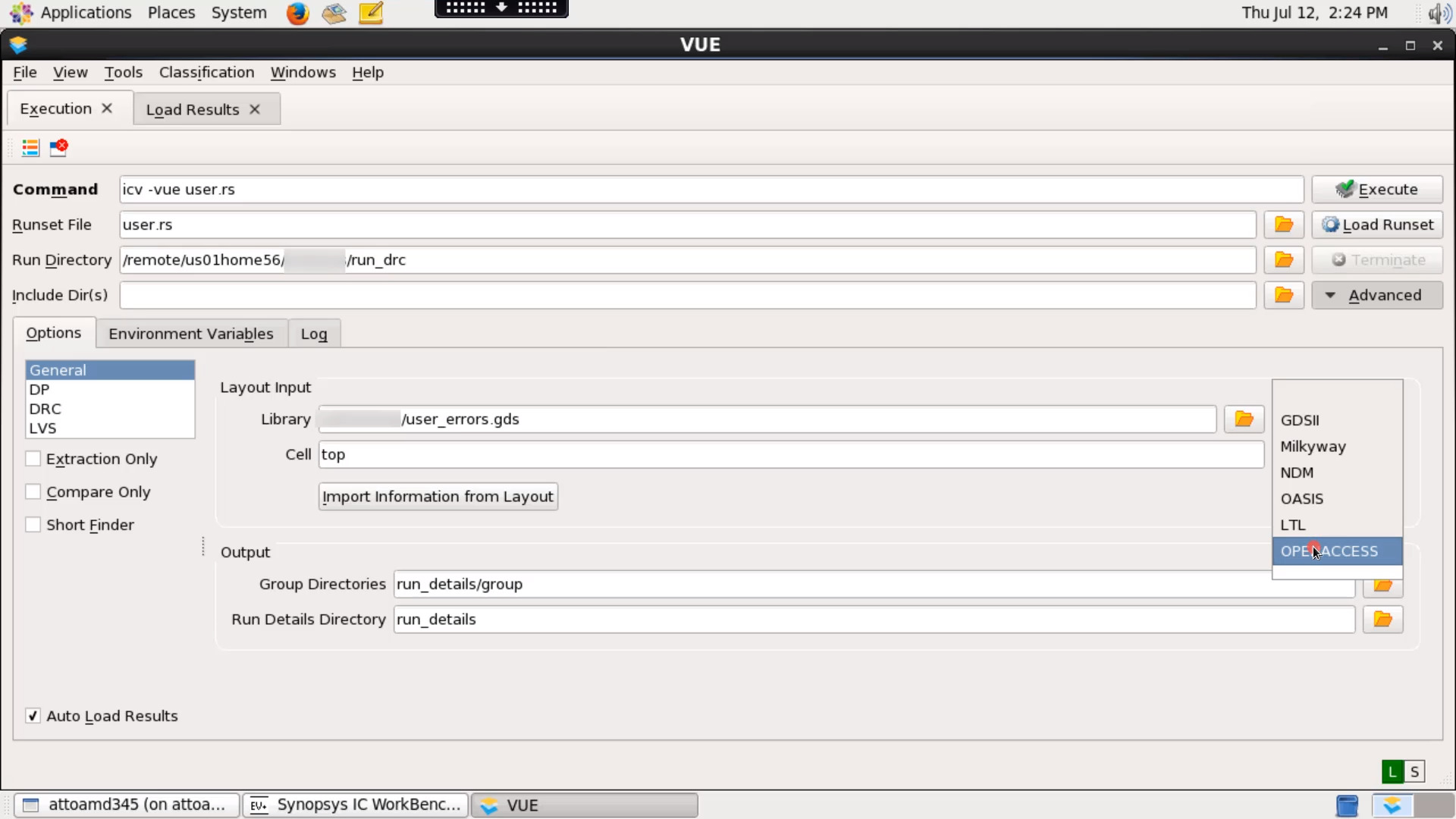
13 - Learn how to execute a run-only job
2:50
You can run only the desired runset checks/functions using run-only command line options. In this video, we will see how to execute a run-only IC Validator job.
Related Videos
In IC Validator Technical Videos: DRC
-
Play video 11 - How to compare DRC results using DCV Results Compare Tool (RCT)
11 - How to compare DRC results using DCV Results Compare Tool (RCT)
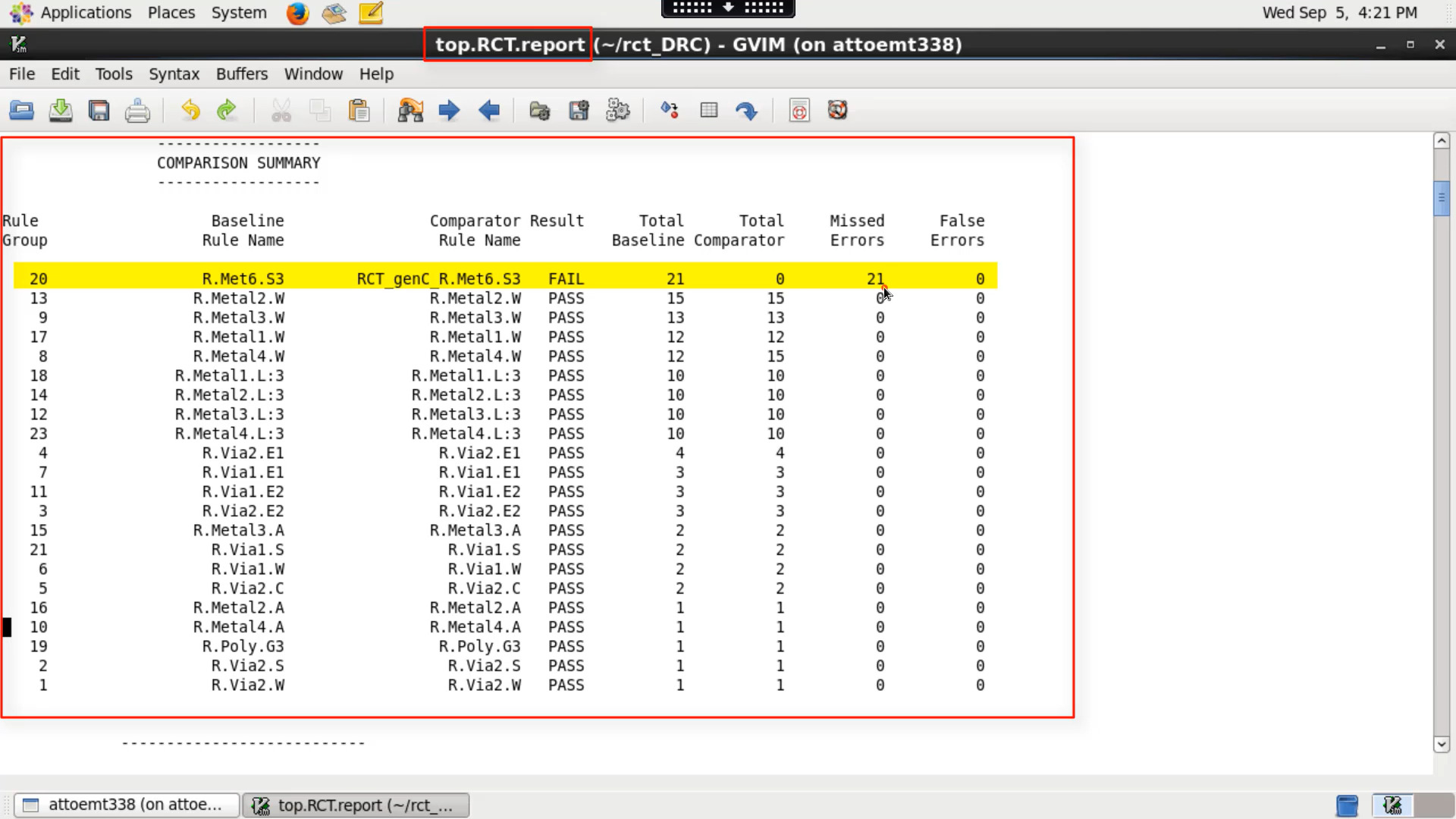
In this video, We will see how to compare DRC results using DCV RCT.
4:48
-
Play video 05 - How to run Incremental DRC flow in IC Validator
05 - How to run Incremental DRC flow in IC Validator
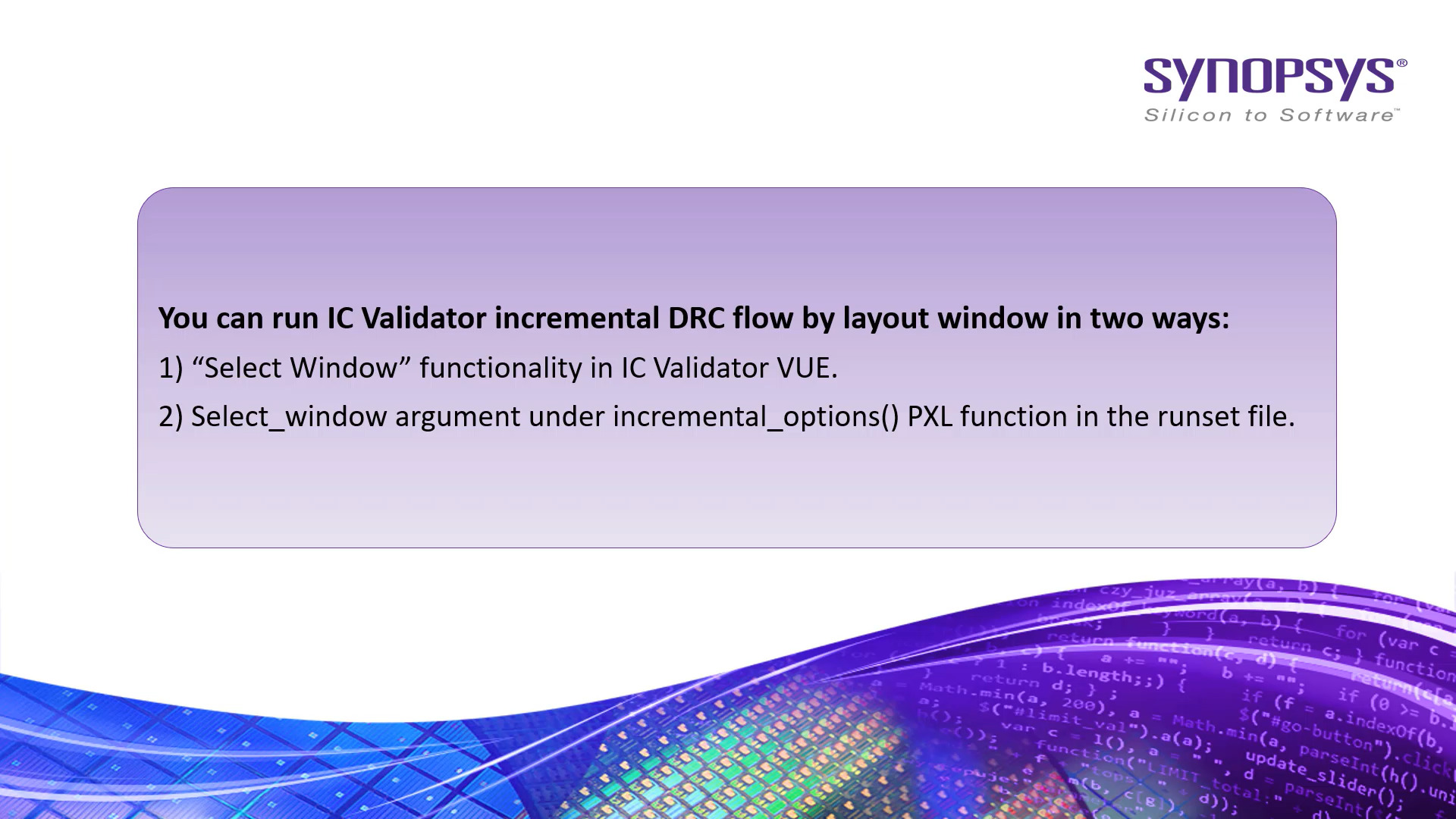
Learn how to run IC Validator incremental DRC flow by Layer/window options.
2:47
-
Play video 04 - How to Select/Unselect DRC rule checks for IC Validator run
04 - How to Select/Unselect DRC rule checks for IC Validator run
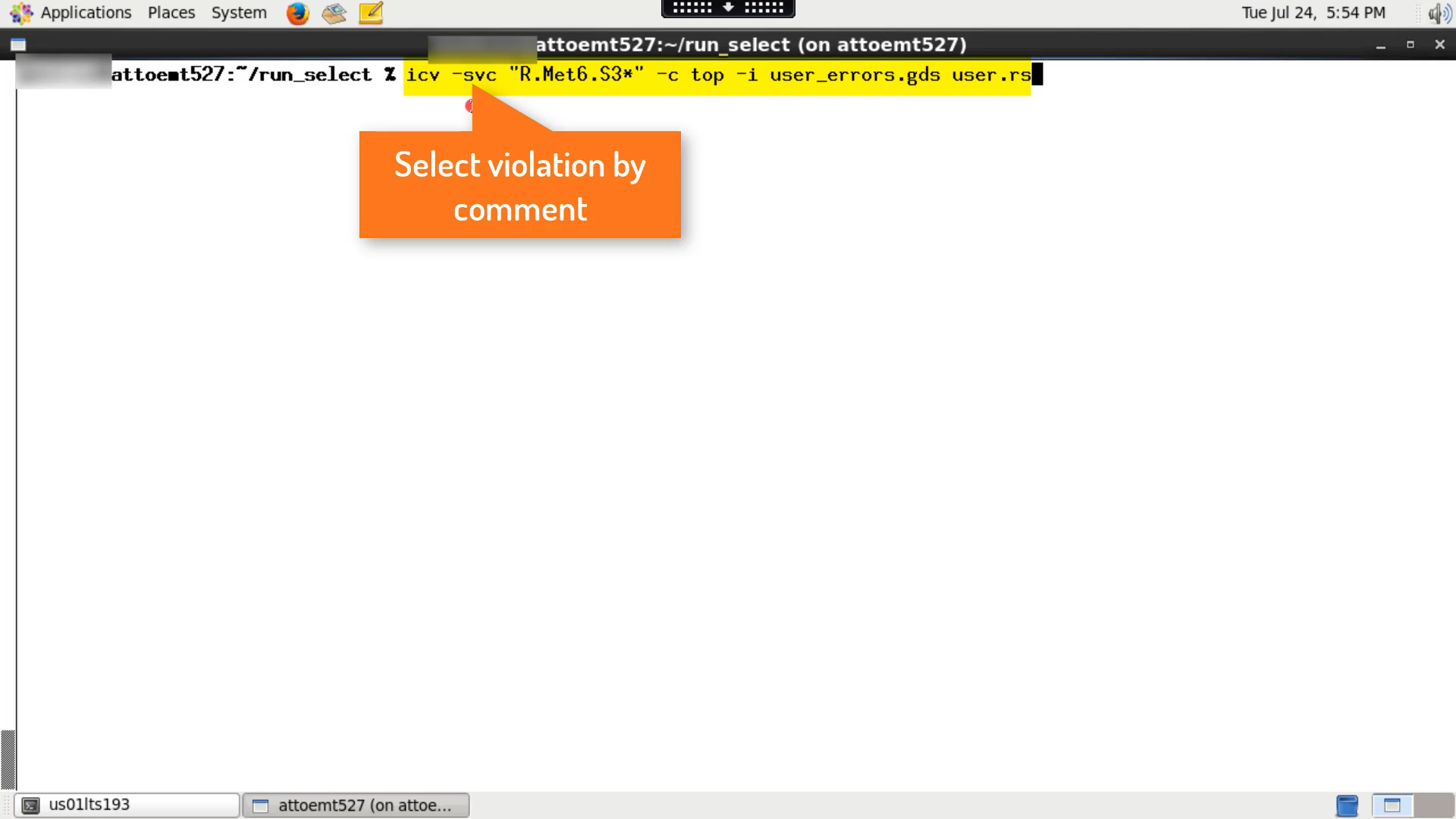
Select/unselect rules functions allows you to precisely run IC Validator only for selected/unselected rule checks from the rule deck file. In this video, We will see how to select or unselect DRC rules checks for IC Validator run.
3:36
-
Play video 02 - How to run Design Rule Checks using IC Validator
02 - How to run Design Rule Checks using IC Validator
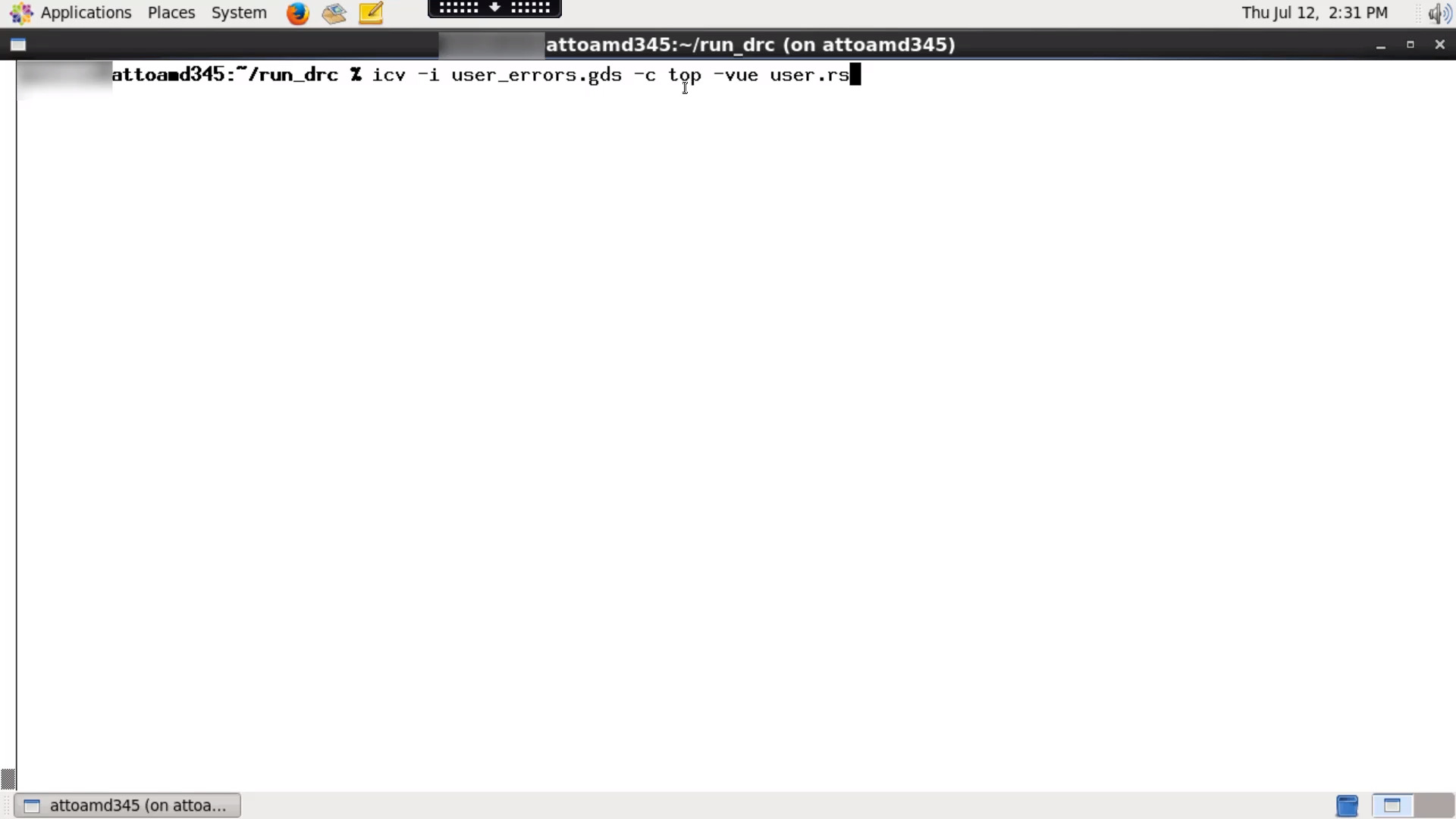
In this video, we will see how to run Design Rule Checks (DRC) using IC Validator tool on your shell.
2:00
-
Play video 03 - How to run Design Rule Checks (DRC) using IC Validator interactively
03 - How to run Design Rule Checks (DRC) using IC Validator interactively
In this video, we will see how to run Design Rule Checks (DRC) using IC Validator interactively.
2:22
-
Play video 10 - How to analyze the performance of your run using IC Validator DCV Analyzer tool
10 - How to analyze the performance of your run using IC Validator DCV Analyzer tool
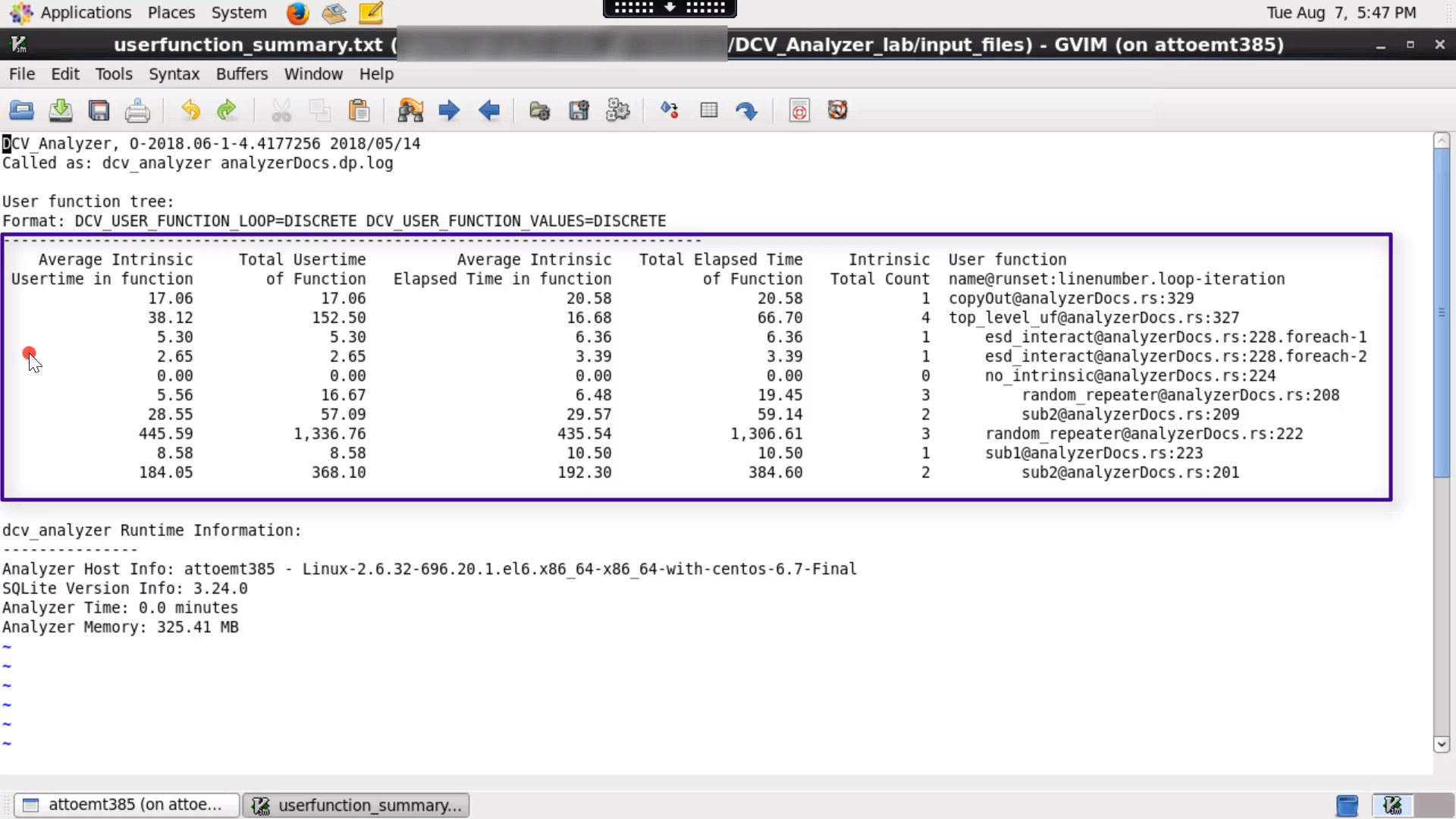
The IC Validator DCV Analyzer tool serves as a starting point for analyzing the performance of an IC Validator run.
3:26